Equipment, Devices and Services
- Equipment, Devices and Services
- Wireless devices
- Routers
- Verizon Router
- Third Party Routers
- Fios Router
- Fios Quantum Gateway
- Actiontec GT784WNV
- D-Link 2750B Gateway
- Verizon Business Internet Gateway XC46BE
- Verizon Internet Gateway Business FSNO21VA
- Verizon Business Internet Gateway ASK-NCM1100E
- Verizon Internet Gateway for Business (ASK-NCQ1338E)
- Arris NVG558 LTE Router
- Discontinued networking equipment
- Fios Accessories
- Extenders
- Fios TV Equipment
- Equipment returns
- Fios Internet Services
- Fios TV Services
- Voice Services
Purchase Line of Service for
Business - Laptop Experience
Prerequisite(s):
BYOD and Verizon-sold Windows Laptops. Single device activation.
Connect to WiFi (some exceptions apply)
Line of service purchase process flow:
Pre- step
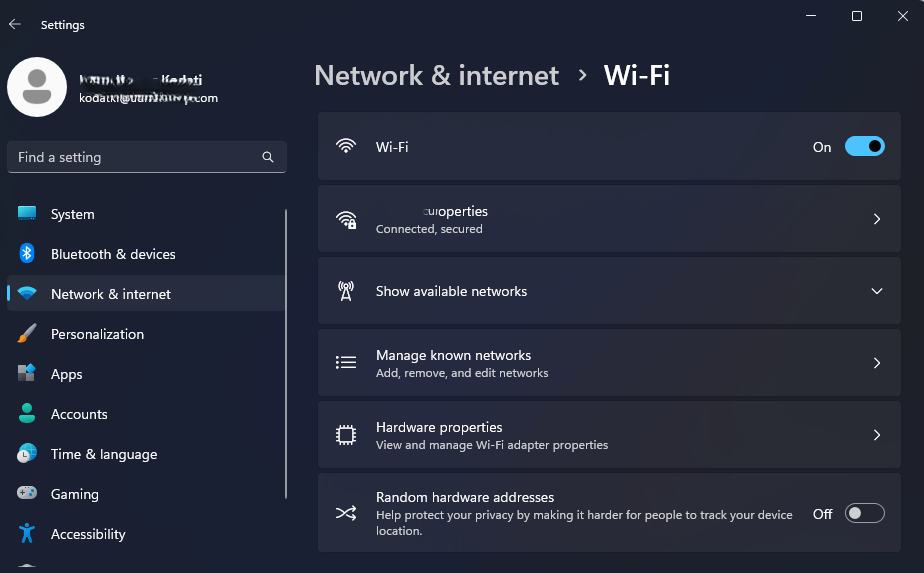
Connect to a Wi-Fi network with internet access that does not restrict to the internet sites necessary for activation (such as your home Wi-Fi or a mobile hotspot).
Step 1
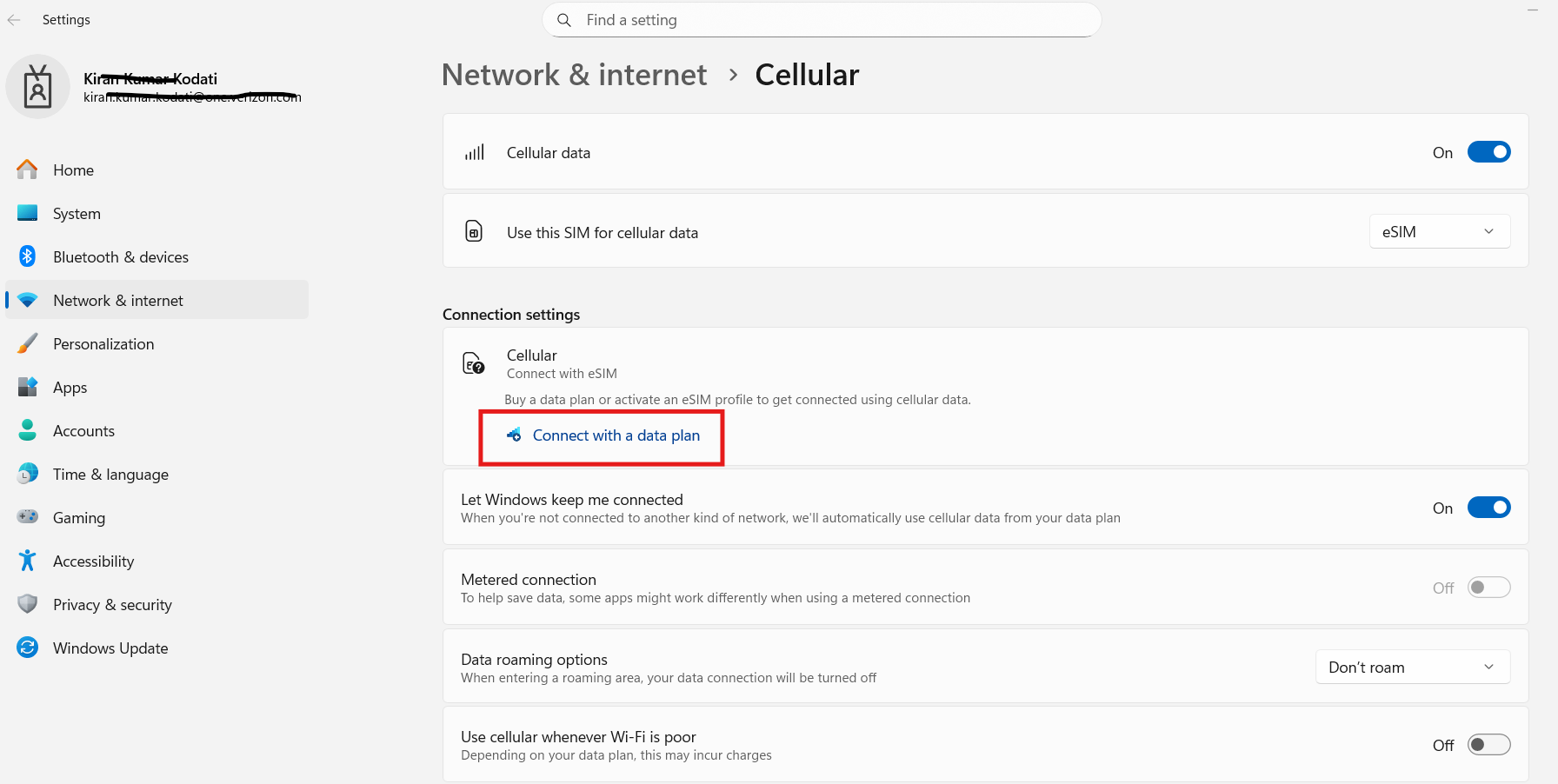
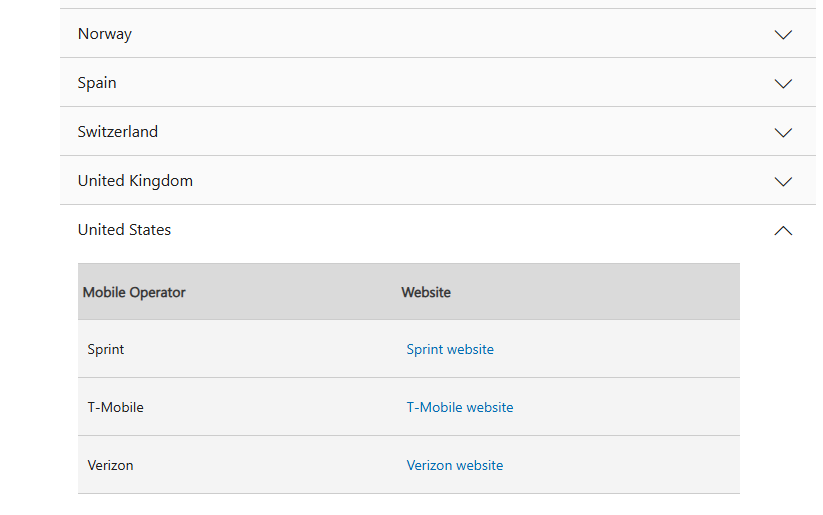
Users can initiate the purchase of a line of service via three options. a. Go directly to the Verizon Business portal. https://www.verizon.com/business/shop/products/devices/laptops/byod b. Go to the laptop settings:
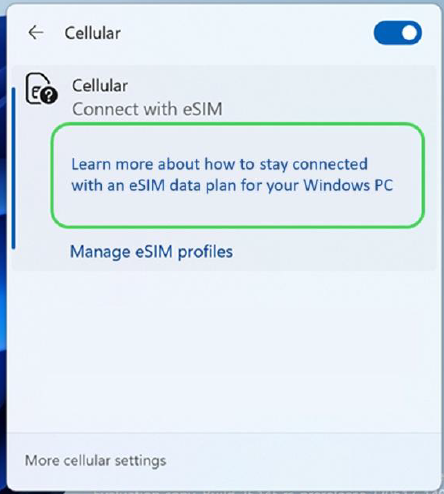
c. Go to the taskbar:
|   
|
Step 2
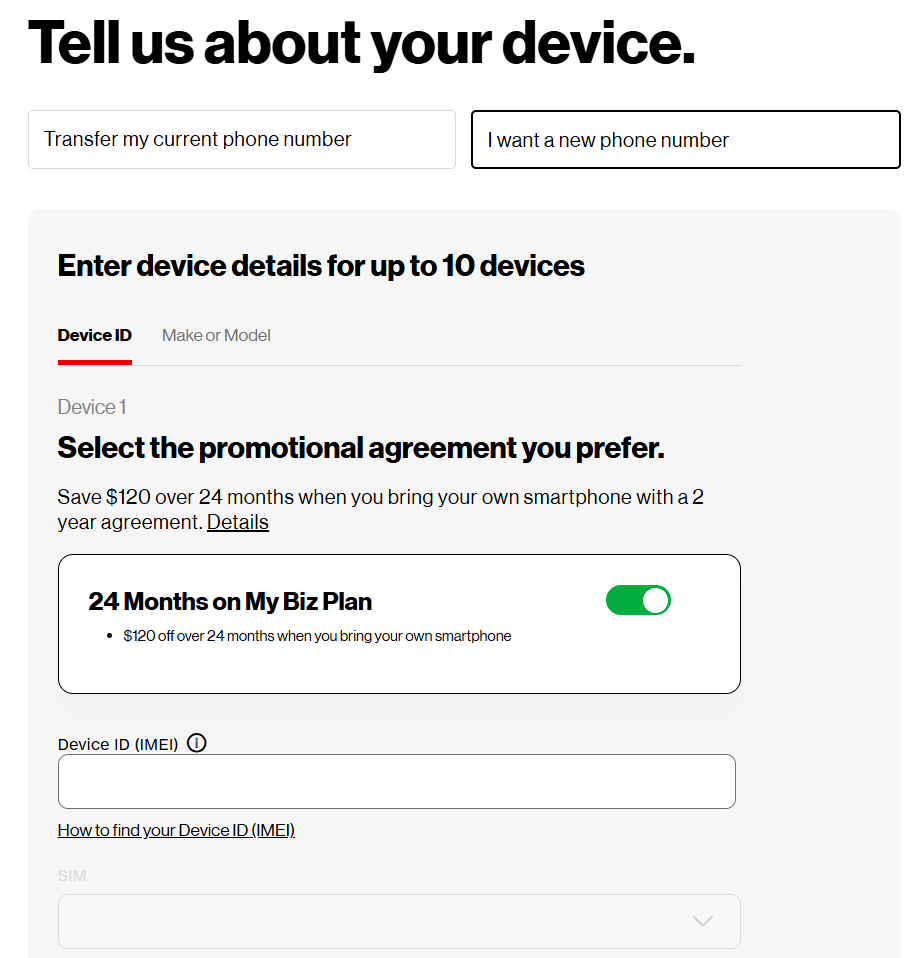
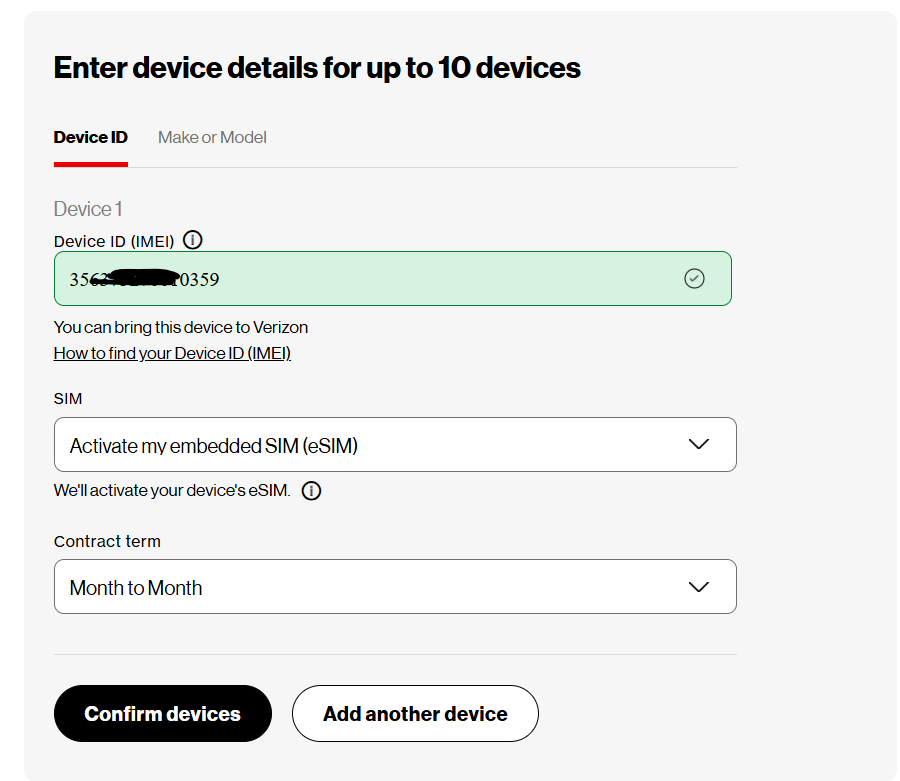
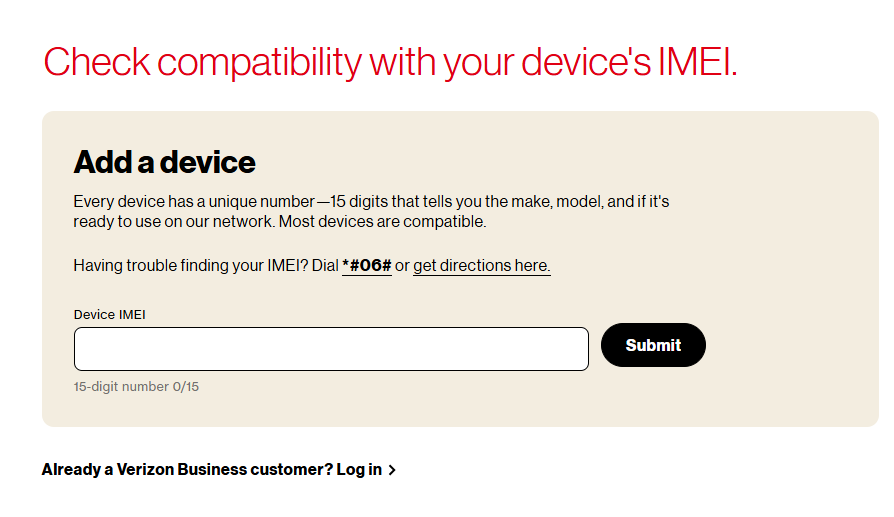
You will be redirected to Verizon Business portal. Input your laptop IMEI and click “Submit.”
To find the IMEI of your laptop, click “get directions here”
The flow will continue as follows:
2.1: IMEI not compatible
2.2: IMEI compatible/User not logged in
2.3: IMEI compatible/User login
Step 2.1
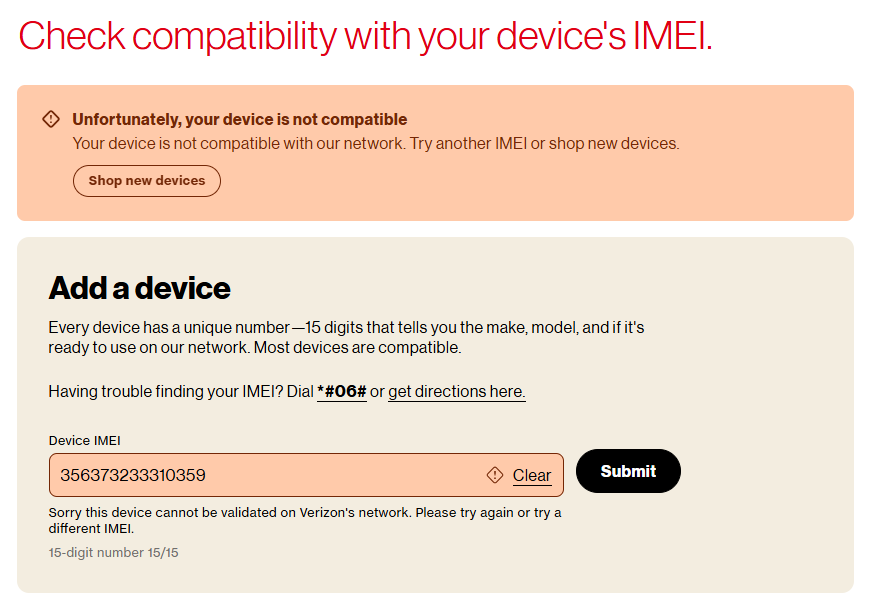
IMEI not compatible If your device IMEI is not compatible with the Verizon network, an error message will appear: “Unfortunately, your device is not compatible” If so, please select a different device.
How to find the IMEI of your laptop?:
Click “get directions here” to see the path to find IMEI
Step 2.2
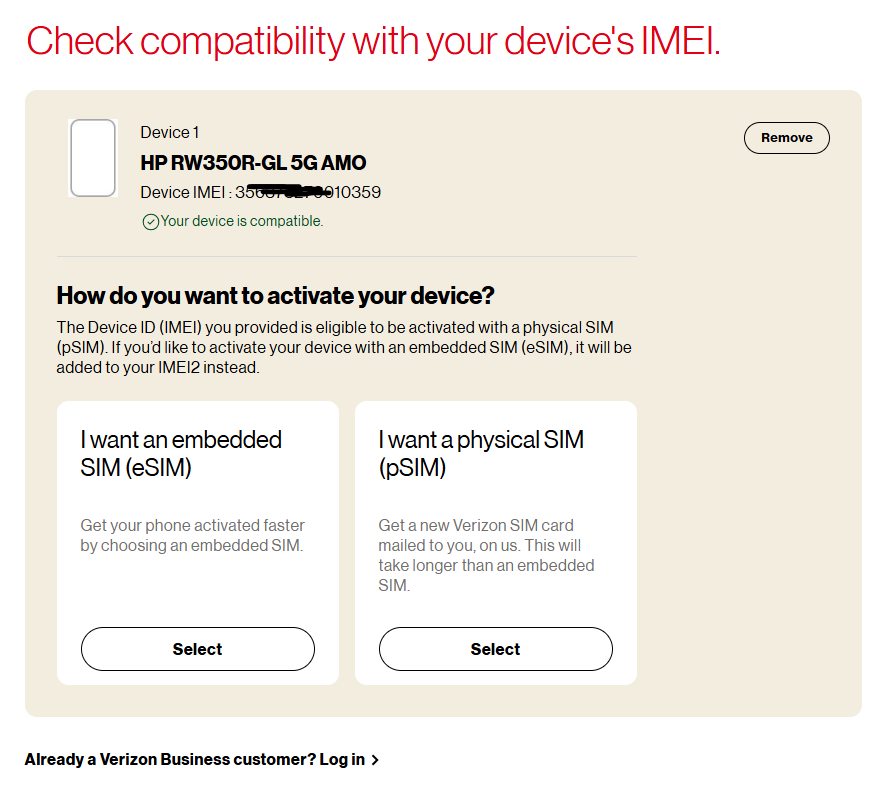
IMEI compatible/User not logged in. If the IMEI is compatible to work on the Verizon network, two options will be shown.
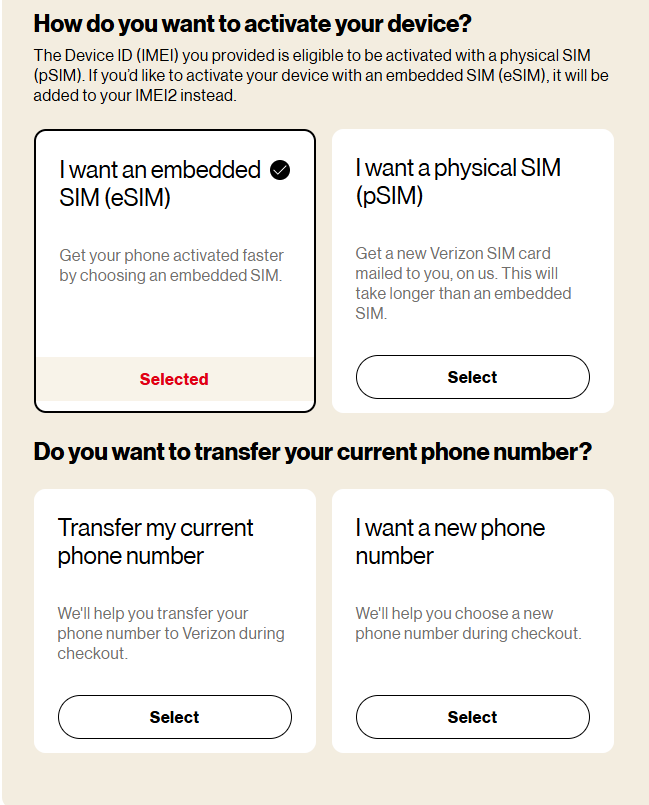
Select “I want an embedded SIM (eSIM)”
Step 2.2.2
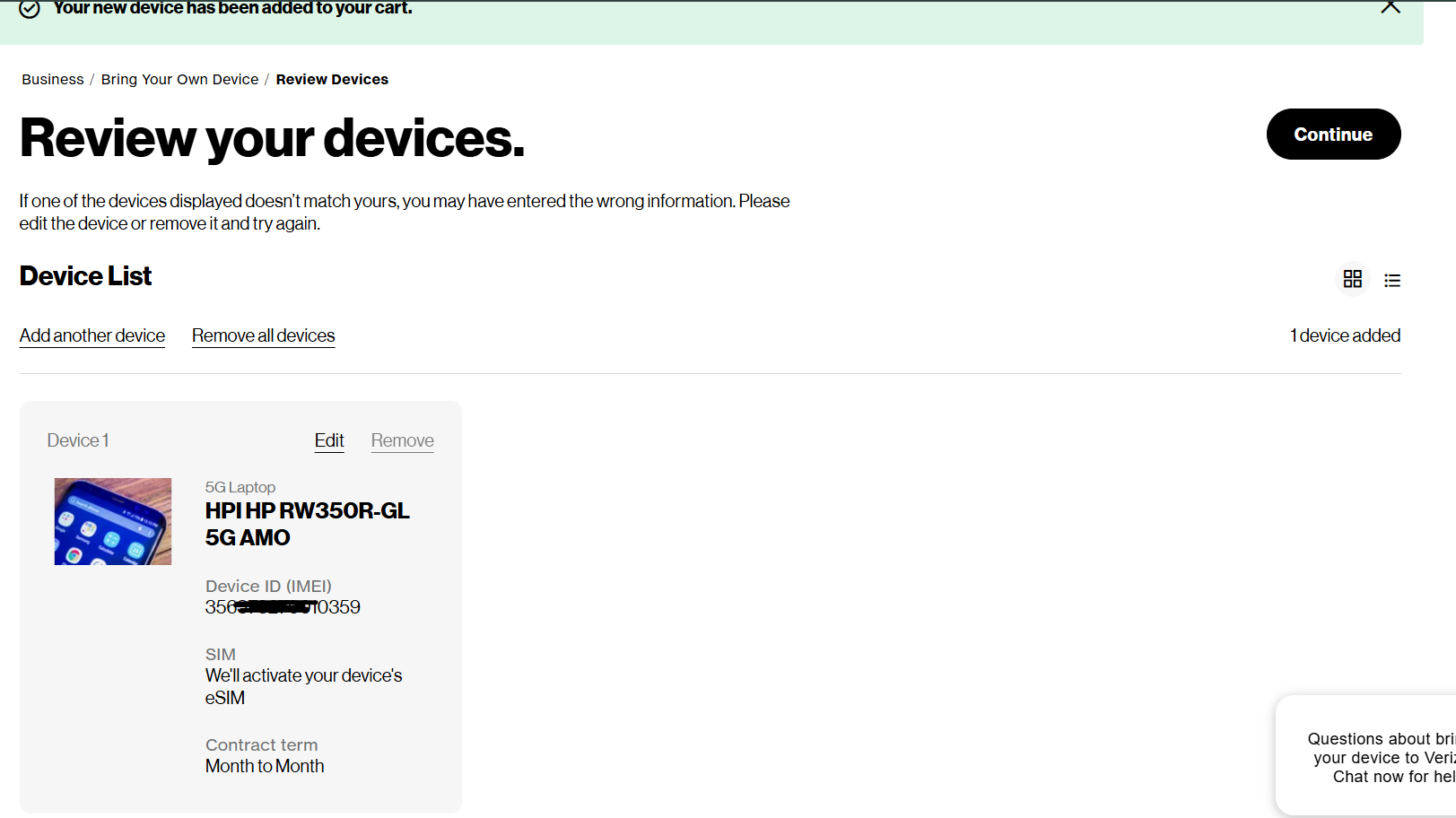
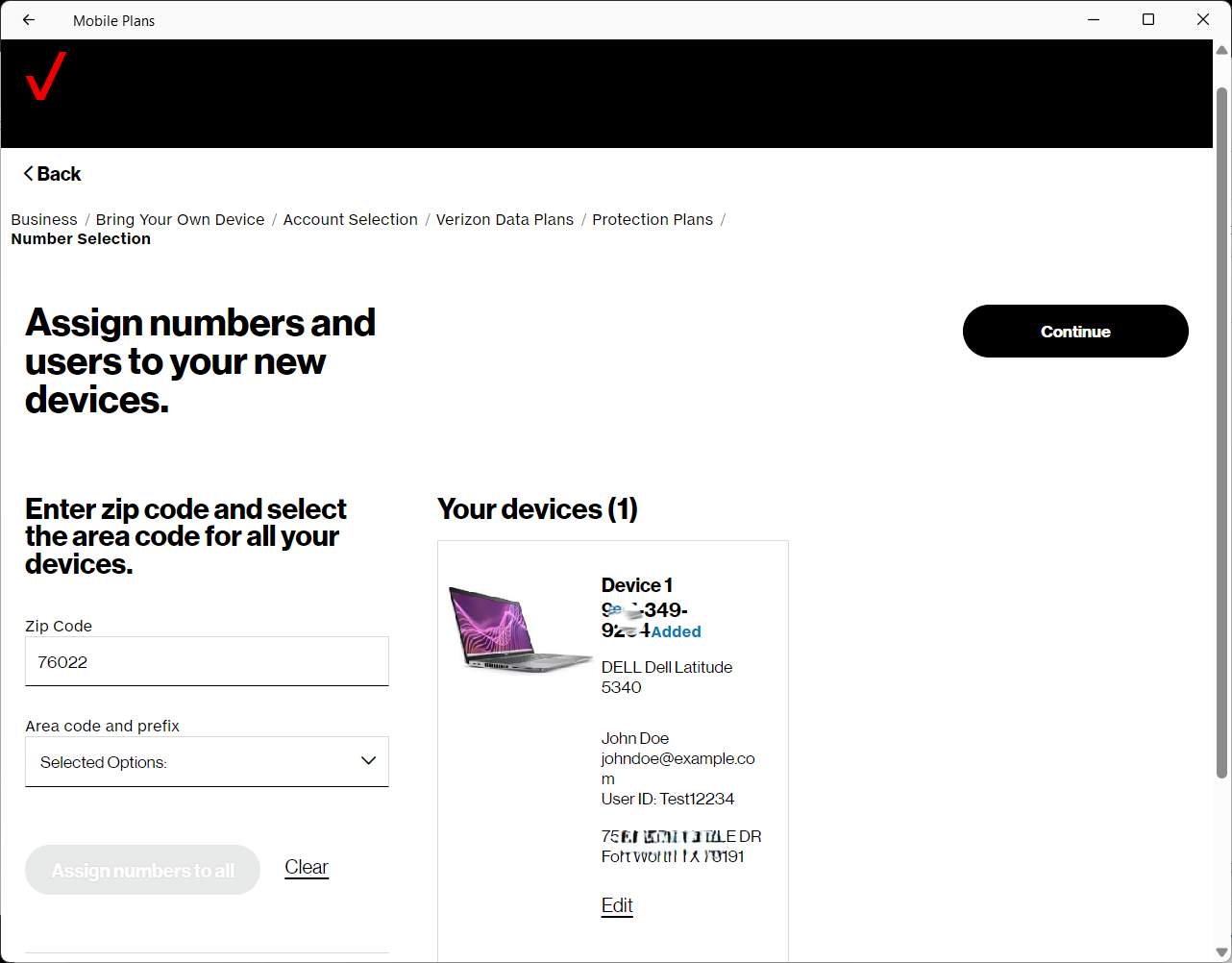
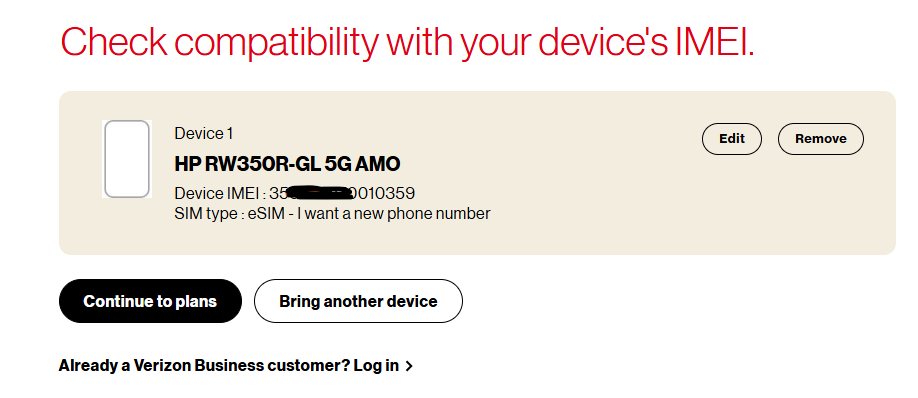
Device details, SIM type and phone number selection are populated for confirmation.
You can select [Edit] to change device details.
You can select [Remove] to remove the device and start over.
Or you can select [Bring another device] to add more devices to activate in the same flow.
Otherwise, select [Continue to plans].
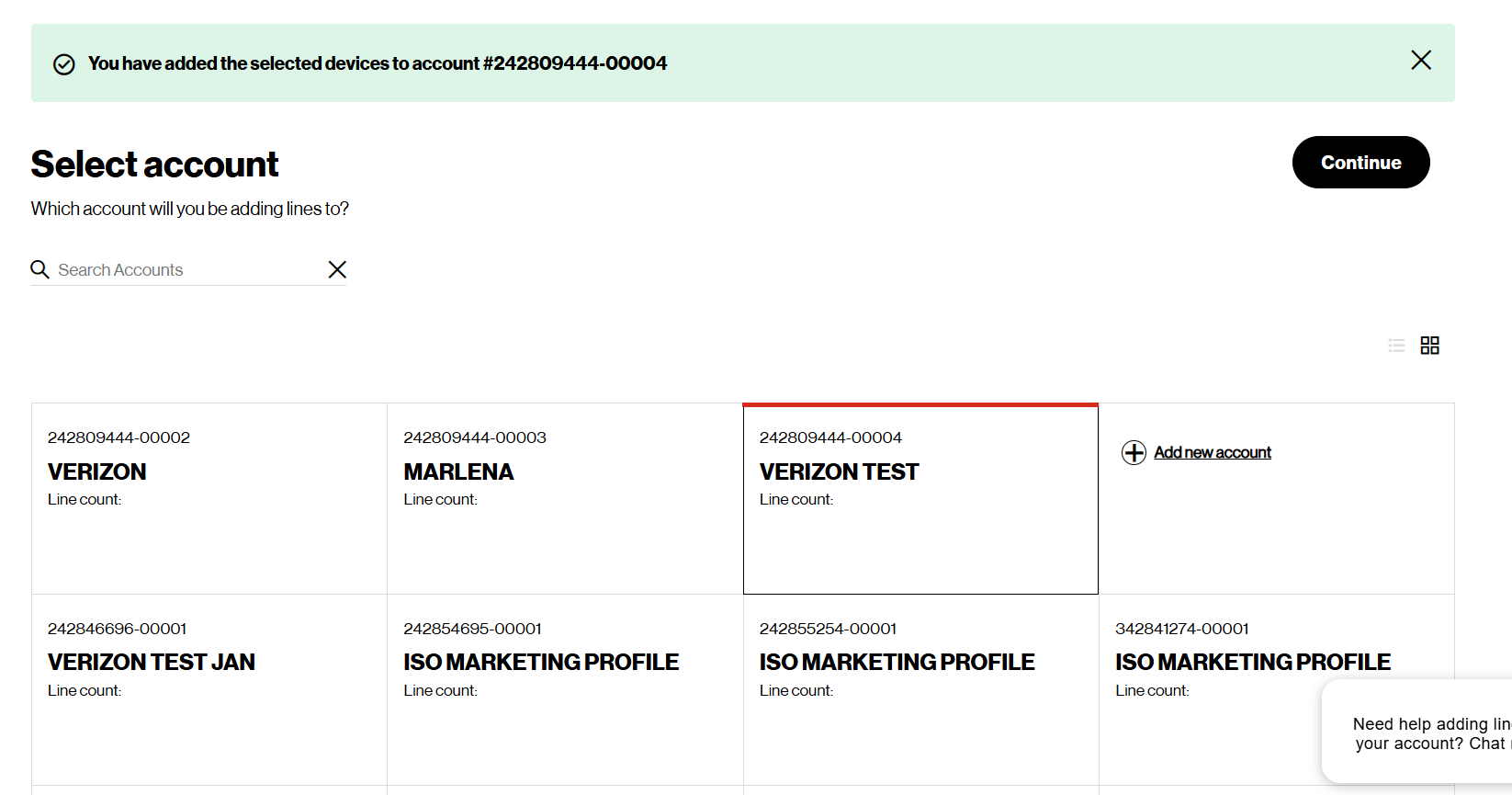
Step 2.2.3
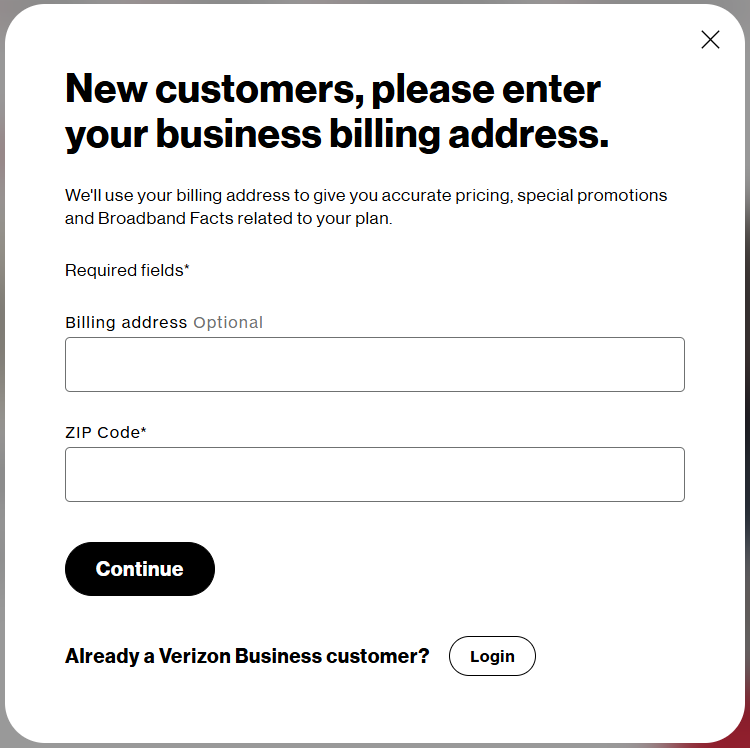
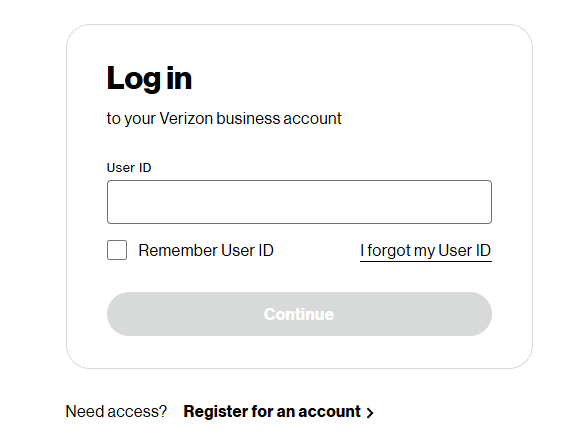
Select “Already a Verizon Business
customer? [Login]
If a new customer, enter billing address, zip
code and [Continue]
Step 2.3
IMEI compatible/User logged in:
Select “Already a Verizon Business Customer? Log in”. You will be asked to tell us about your device. Input your laptop IMEI.